
🧠 Intro — The Mistake Most Writers Make
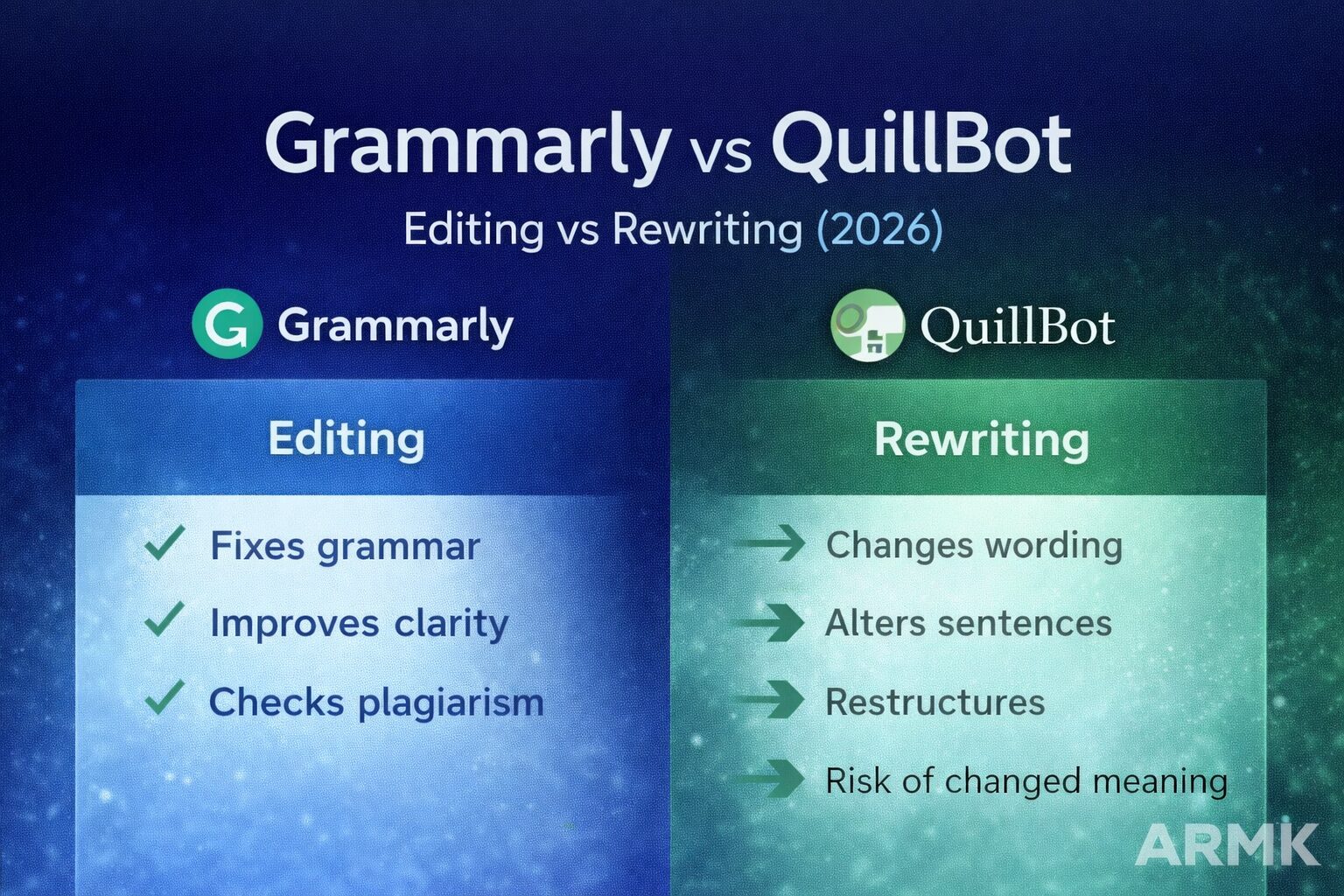
Grammarly fixes your writing.
QuillBot changes your writing.
Most people use them interchangeably — and that’s where problems begin.
In 2026, writing issues aren’t about spelling. They’re about clarity, flow, and preserving meaning.
This guide explains:
- When Grammarly actually helps
- When QuillBot becomes risky
- Which is safer for academic work
- Which works better for blogging & SEO
- And whether paying is worth it
⚠️ This guide focuses on written content editing only — not video or design tools.
Table of Contents
✍️ Grammarly — An AI Editor (Not a Rewriter)
What Grammarly Actually Does
Grammarly:
- Corrects grammar & punctuation
- Improves sentence clarity
- Suggests tone adjustments
- Flags plagiarism (paid plan)
It works like a real-time proofreader.
Where Grammarly Shines
✔ Academic assignments
✔ Professional emails
✔ Blog proofreading
✔ Reports & resumes
Grammarly keeps your original meaning intact. It refines — it doesn’t rewrite.
If you’re editing academic or student content, you may also want to see our detailed breakdown in
🔗 Grammarly AI for Students
Where Grammarly Fails
- Can flatten creative tone
- Premium version needed for advanced suggestions
- Not designed for deep restructuring
Grammarly improves what you wrote.
It doesn’t rethink what you wrote.
🔁 QuillBot — A Rewriting Engine (Not a True Editor)
What QuillBot Actually Does
QuillBot:
- Paraphrases sentences
- Offers rewriting modes (standard, fluency, creative)
- Adjusts structure quickly
- Includes limited grammar help
It’s not an editor — it’s a transformer.
For a deeper breakdown of its modes and risks, see
🔗 QuillBot Paraphrasing Guide
Where QuillBot Helps
✔ Reducing repetition
✔ Rewriting awkward phrasing
✔ Light sentence restructuring
The Real Risk: Meaning Drift
This is where most users get into trouble.
Aggressive paraphrasing can:
- Change nuance
- Alter argument logic
- Introduce factual distortion
In academic writing, that’s dangerous.
In SEO blogging, that can dilute keyword clarity.
QuillBot changes structure — sometimes at the cost of precision.
🧠 Grammar vs Meaning — The Core Difference
This is the heart of the debate.
Grammarly:
“Your sentence is correct, but could be clearer.”
QuillBot:
“Here’s a different way to say it.”
Editing improves structure while preserving intent.
Rewriting risks altering intent.
Most writers don’t notice this difference until something feels “off.”
🎓 Grammarly vs QuillBot for Academic Writing
For students and researchers:
- Grammarly is safer
- QuillBot requires careful supervision
Grammarly helps:
✔ Clean up essays
✔ Improve clarity
✔ Avoid basic mistakes
QuillBot can:
✔ Reduce repetition
⚠️ But accidentally change meaning
If you’re working on academic research specifically, also read:
🔗 Best AI Writing Tools for Academic Research
✍️ Grammarly vs QuillBot for Blogging & SEO
Bloggers often ask:
“Can QuillBot help me rewrite content for SEO?”
Short answer: Carefully.
Grammarly:
✔ Improves readability
✔ Maintains tone
✔ Keeps keyword placement intact
QuillBot:
✔ Helps restructure repetitive sentences
⚠️ Can remove keyword alignment
⚠️ May weaken search intent
If you’re writing SEO blogs seriously, this deeper analysis helps:
🔗 Best AI Writing Tools for SEO Blogging
🔎 Plagiarism & Academic Safety
Grammarly Premium includes plagiarism detection.
QuillBot’s rewriting does NOT guarantee originality in all contexts.
Important:
Rewriting ≠ removing plagiarism.
Meaning-preserving paraphrasing still requires citation.
This is a common Reddit-style misconception:
“If I paraphrase with AI, it’s no longer plagiarism.”
That’s false.
AI assists editing — it doesn’t replace academic integrity.
💰 Free vs Paid — Is It Worth Upgrading?
Grammarly Free:
✔ Basic grammar
✔ Limited tone suggestions
Grammarly Premium:
✔ Clarity rewrites
✔ Plagiarism detection
QuillBot Free:
✔ Limited modes
✔ Word caps
QuillBot Premium:
✔ More rewriting styles
✔ Higher limits
If budget is your concern, see
🔗 Free vs Paid AI Writing Tools (2026): What Actually Works?
Price matters — but correct usage matters more.
🧭 Who Should Use What?
Use Grammarly if:
✔ You want safe corrections
✔ You’re editing academic or professional writing
✔ You don’t want meaning to change
Use QuillBot if:
✔ You need light restructuring
✔ You’re fixing repetition
✔ You supervise every rewrite
Avoid Both If:
❌ You expect AI to “think” for you
❌ You copy-paste blindly
❓ FAQs
Is QuillBot better than Grammarly?
Not directly. QuillBot rewrites; Grammarly edits. The better tool depends on your goal.
Can QuillBot replace Grammarly?
No. QuillBot changes wording, but doesn’t deeply analyze grammar, tone, or structure.
Which is safer for academic writing?
Grammarly is safer because it preserves original meaning and provides plagiarism support.
🧾 Final Verdict
Grammarly improves what you wrote.
QuillBot changes what you wrote.
Both can help — if used correctly.
If your goal is to write smarter without losing your voice, choose tools based on purpose — not popularity.
At AI Tools Guide, we don’t hype tools — we test how AI actually works.
And in real-world writing, clarity matters more than clever rewriting.