The Real Editing Problem (2026 Reality)
AI editing tools promise better writing.
But in 2026, most writers don’t struggle with grammar anymore.
They struggle with:
- clarity
- flow
- consistency
- keeping their human voice
That’s where confusion starts.
Some tools correct mistakes.
Some rewrite sentences.
Some analyze how you actually write.
And many writers use the wrong tool for the wrong job — then blame AI for “robotic writing.”
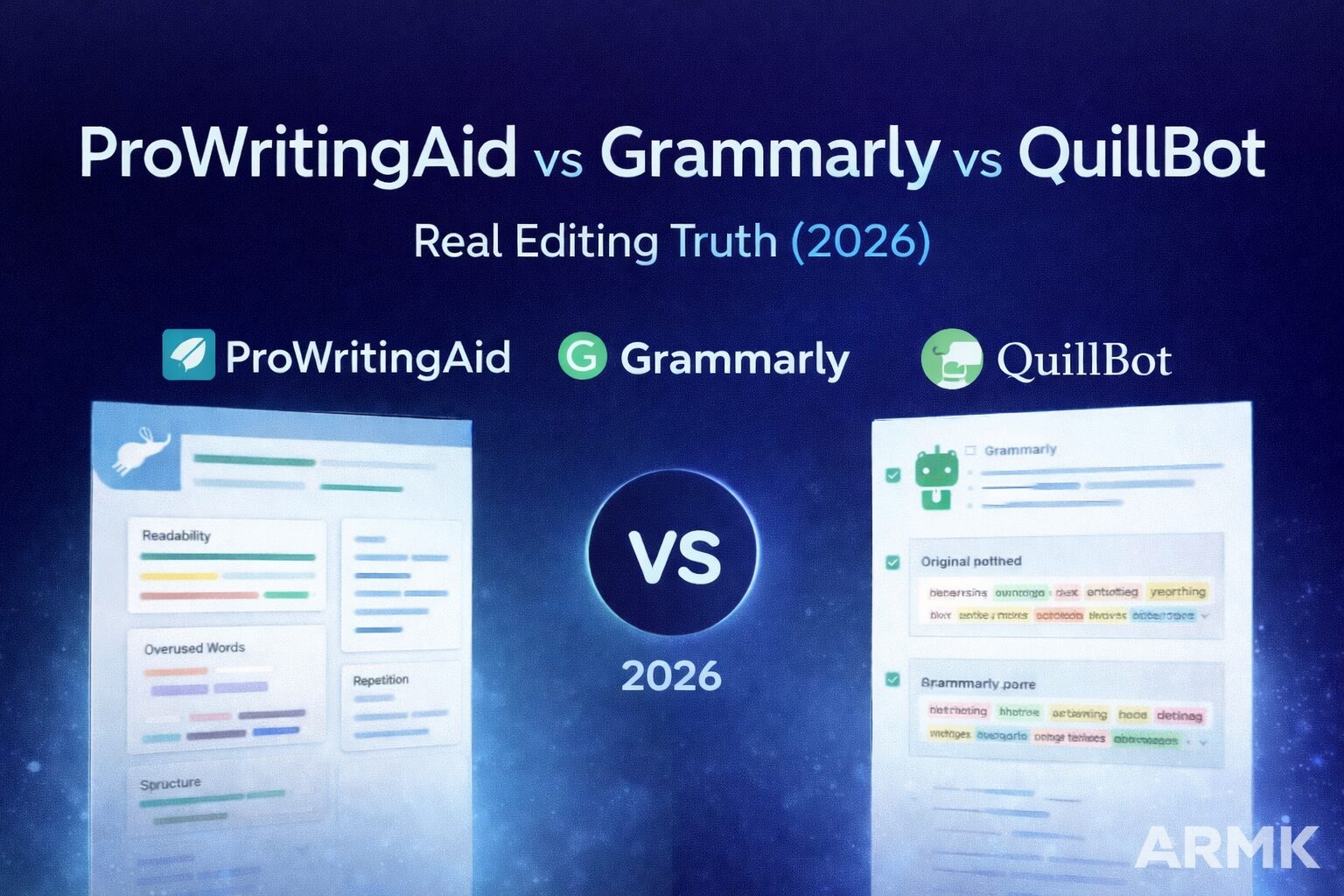
This guide breaks down ProWritingAid, Grammarly, and QuillBot — not by marketing features, but by real writing behavior.
⚠️ This is not about hype or claims.
It’s about which tool you can actually trust for real writing work.
Table of Contents
🆚 Quick Comparison
| Tool | Core Strength | Biggest Risk |
|---|---|---|
| Grammarly | Fast correction & tone | Flattens style |
| ProWritingAid | Deep writing analysis | Overwhelming |
| QuillBot | Sentence rewriting | Meaning drift |
If you understand this table, you already understand 80% of the decision.
Now let’s break it down properly.
✍️ Grammarly — Fast, Clean, Professional
Best for:
- Emails
- Business communication
- Light blog editing
- Resume & LinkedIn writing
Where Grammarly shines
Grammarly is extremely good at instant feedback.
It:
- fixes grammar fast
- improves clarity at sentence level
- adjusts tone for professional contexts
For writers who want speed and confidence, Grammarly feels effortless.
Where Grammarly fails
Grammarly doesn’t understand your intent.
It often:
- over-corrects stylistic choices
- removes personality
- pushes “neutral corporate tone”
That’s why creative writers and bloggers sometimes feel their writing becomes too clean.
👉 Best used as: final polish, not idea development.
🔗 If your use case is academic or student-focused, see our detailed breakdown in Grammarly AI for Students.
📚 ProWritingAid — Deep Editing for Serious Writers
Best for:
- Long-form blog posts
- Academic writing
- Fiction & storytelling
- Structural editing
What makes ProWritingAid different
ProWritingAid doesn’t just fix mistakes — it analyzes how you write.
It looks at:
- sentence variation
- repetition
- pacing
- transitions
- readability over long sections
This makes it powerful for writers who care about craft, not just correctness.
The downside (be honest)
ProWritingAid can feel heavy.
For beginners:
- too many reports
- too much data
- slower workflow
But for serious writers, that depth is exactly the point.
👉 Ideal if: writing quality matters more than speed.
🔗 For a focused comparison, see ProWritingAid vs Grammarly (2026).
🔁 QuillBot — Rewriting Assistant, Not an Editor
Best for:
- Reducing repetition
- Rephrasing sentences
- Light restructuring
Reality check
QuillBot is not an editing tool.
It does not:
- analyze structure
- improve flow across paragraphs
- understand argument logic
Its core function is rewriting existing text.
The risk
Aggressive modes can:
- change meaning
- weaken arguments
- distort academic intent
That’s why many users misuse it and then blame AI.
👉 Use QuillBot only when you already know what you want to say.
🔗 For safe usage and limits, see our QuillBot Paraphrasing Guide .
💰 Price vs Value — What Actually Feels Worth Paying For?
Grammarly feels affordable because it saves time instantly — you’re paying for speed and convenience.
ProWritingAid feels expensive to casual users, but for serious writers it replaces hours of manual editing and structural revision.
QuillBot is the cheapest option, but its real cost is risk — aggressive rewriting can change meaning if used blindly.
In short: price matters less than usage. The wrong cheap tool costs more in rewrites than the right paid one.
If budget is your main concern, see our detailed breakdown in
🔗 Free vs Paid AI Writing Tools (2026): What Actually Works?
🧠 Which Tool Should YOU Use? (Decision Framework)
Use Grammarly if:
✔ You want speed
✔ You write professional or business content
✔ You need quick confidence before sending
Use ProWritingAid if:
✔ You care about writing quality
✔ You publish long-form content
✔ You want to improve as a writer
Use QuillBot if:
✔ You need quick rewrites
✔ You’re fixing repetition
✔ You already have clear intent
There is no universal “best.”
There is only best-for-purpose.
🔗 How This Fits the Bigger Picture
Editing tools don’t automatically make writing better — they standardize it.
If you’re questioning whether AI tools truly improve writing or just normalize it, this debate is explored deeper in:
🔗 AI Writing Tools vs Human Writers in 2026
❓ FAQs (Minimal & Intent-Focused)
Is ProWritingAid better than Grammarly for academic writing?
Yes. ProWritingAid is better for academic and long-form writing because it analyzes structure and repetition, not just grammar.
Can QuillBot replace Grammarly or ProWritingAid?
No. QuillBot is a rewriting tool, not a full editing solution. It helps rephrase text but doesn’t improve writing quality holistically.
Which tool is best for beginners?
Grammarly is the easiest to start with. ProWritingAid requires learning, and QuillBot needs careful usage.
🧾 Final Verdict (No BS)
There is no single “best” tool.
- Grammarly fixes
- QuillBot rewrites
- ProWritingAid teaches you how you write
Smart writers don’t replace thinking with AI.
They use AI selectively, with intent.
At AI Tools Guide, we don’t hype tools — we test how AI actually works.
And what actually works in 2026 is knowing when to use AI, not letting AI decide how you write.