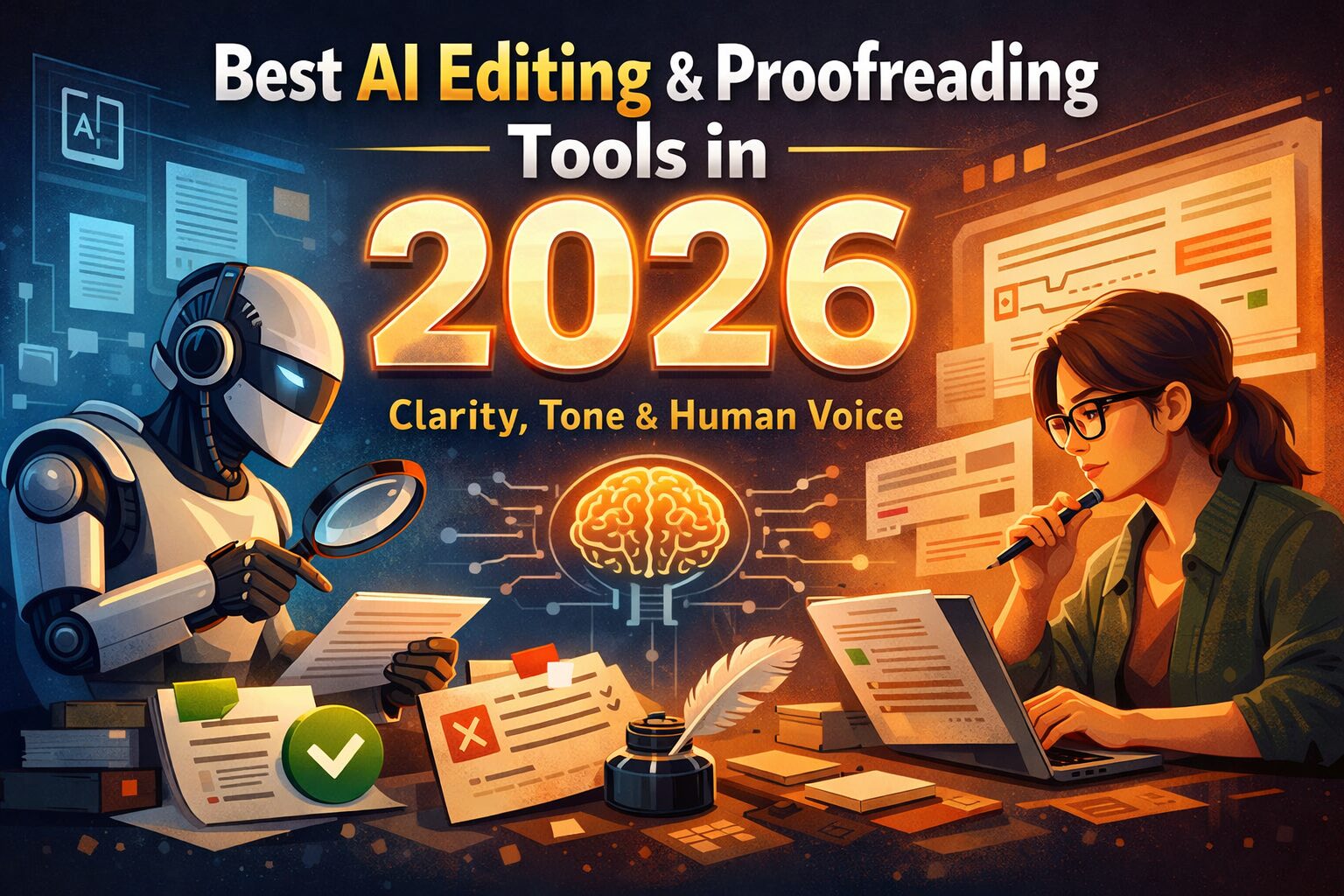
AI editing tools don’t improve writing — they normalize it.
In 2026, the real skill isn’t using AI to edit content — it’s knowing which edits to accept and which to reject.
Grammar gets fixed.
Spelling improves.
But the writing suddenly feels… soulless.
That’s because good editing is not the same as correct writing.
This guide explains how AI editing and proofreading tools actually work, where they help, where they fail, and which tools improve clarity without killing your human voice.
⚠️ Note: This guide focuses only on AI tools for editing written content (blogs, academic work, emails, professional writing) — not video or audio editing.
Table of Contents
Why “AI Editing” Is Not the Same as “AI Writing”
Most people confuse these two.
- AI writing → generates content from scratch
- AI editing → improves content you’ve already written
The problem starts when people use writing tools as editors.
That’s how:
- tone changes unintentionally
- meaning gets diluted
- content starts sounding “AI-polished”
Editing is about judgment, not generation.
Many people confuse editing with rewriting. If your goal is sentence restructuring rather than clarity or tone improvement, you should also see our detailed guide on AI Paraphrasing Tools in 2026, where we explain when paraphrasing helps—and when it actually harms meaning.
What People Actually Want from AI Editing Tools (2026 Reality)
When users search for AI editing or proofreading tools, they usually want to:
- Fix grammar without changing meaning
- Improve clarity (especially non-native English)
- Maintain personal or brand voice
- Catch tone issues humans miss
- Reduce editing time — not thinking time
This is why many “best AI tools” lists disappoint.
They focus on features — not editing outcomes.
Where Most AI Editing Tools Fail (Hard Truth)
Most AI editors fail because they try to standardize writing.
Common failures include:
- Over-simplifying strong sentences
- Replacing personality with generic phrasing
- Making everything sound “neutral”
- Breaking logical flow while fixing grammar
Clean writing is not always good writing.
Readers trust voice, not perfection.
Grammar vs Clarity vs Tone — What AI Can (and Can’t) Fix
Understanding this saves your content.
Grammar
✅ AI handles this well
Typos, punctuation, basic errors — safe to automate.
Clarity
⚠️ Mixed results
AI can simplify sentences, but often removes nuance.
Tone & Flow
❌ Most difficult
AI struggles with sarcasm, emphasis, emotion, and pacing.
If tone matters — humans must stay in control.
Best AI Editing & Proofreading Tools in 2026 (Use-Case Based)
These tools are evaluated only as editors, not writers.
Grammarly (Editing & Proofreading)
Best for:
- Grammar correction
- Sentence clarity
- Professional tone
Limitations:
- Over-corrects stylistic writing
- Can flatten creative voice
Best used as a final polish, not a rewrite engine.
We’ve broken down Grammarly’s strengths and limitations in detail in our Grammarly AI review for writers and students.
ProWritingAid (Deep Editing)
Best for:
- Long-form content
- Structure and flow analysis
- Academic or technical writing
Limitations:
- Overwhelming for beginners
- Slower workflow
Ideal for serious editing — not quick fixes.
For long-form writers, our detailed ProWritingAid review for writers & editors explains where it shines—and where it doesn’t.
Wordtune (Clarity & Readability)
Best for:
- Sentence-level clarity
- Improving readability
- Blog content editing
Limitations:
- Limited depth for long arguments
Good middle ground between human tone and AI help.
QuillBot (Light Editing Use)
Best for:
- Minor sentence restructuring
- Reducing repetition
Limitations:
- Aggressive modes harm meaning
Use carefully — editing only, not rewriting.
Free vs Paid AI Editing Tools — What’s Worth It?
Free tools work when:
- Fixing grammar
- Improving short sections
- Editing emails or assignments
Paid tools make sense when:
- Editing long articles
- Preserving tone across content
- Working on professional or academic material
Most users don’t need paid tools unless editing is frequent or high-stakes.
A common question at this stage is whether free AI editing tools are enough or paid tools actually make a difference. We break this down clearly in our Free vs Paid AI Writing Tools comparison, so you don’t waste money unnecessarily.
AI Editing for Different Users
For Students
- Grammar + clarity help
- Avoid full rewrites
- Use AI as an assistant, not author
For academic and research-heavy writing, editing is only one part of the workflow. We’ve covered ethical use, accuracy, and citation safety in detail in our guide on AI Writing Tools for Academic Research.
For Bloggers
- Improve flow
- Reduce repetition
- Keep personality intact
For Professionals
- Emails, reports, proposals
- Tone consistency matters more than creativity
For Non-Native English Writers
- AI editing is most valuable here
- Clarity > perfection
How to Use AI Editing Tools Without Sounding Like AI
This workflow actually works:
- Write first (human-led)
- Edit sentence-by-sentence, not paragraphs
- Reject “over-clean” suggestions
- Read aloud once
- Final human review
AI edits.
Humans decide.
Common AI Editing Mistakes to Avoid
- Accepting all suggestions blindly
- Editing before understanding intent
- Letting AI rewrite emotional sections
- Treating AI editors like writers
Editing is refinement — not replacement.
FAQs
Are AI editing tools safe for SEO?
Yes, if used for clarity and grammar — not content spinning.
Is Grammarly enough for editing?
For basic use — yes. For deep editing — no.
Can AI editing change meaning?
Yes. Always review manually.
Do AI editors affect originality?
Only if you let them rewrite instead of edit.
Final Verdict
AI editing tools are assistants, not editors.
They help you write cleaner — not smarter.
They reduce errors — not responsibility.
The best results in 2026 still come from:
Human thinking + AI assistance.
Want more honest, editors-safe AI guides like this?
At AI Tools Guide, we don’t hype tools — we test how AI actually works.
If you care about writing that sounds human, builds trust, and improves over time — you’re in the right place.