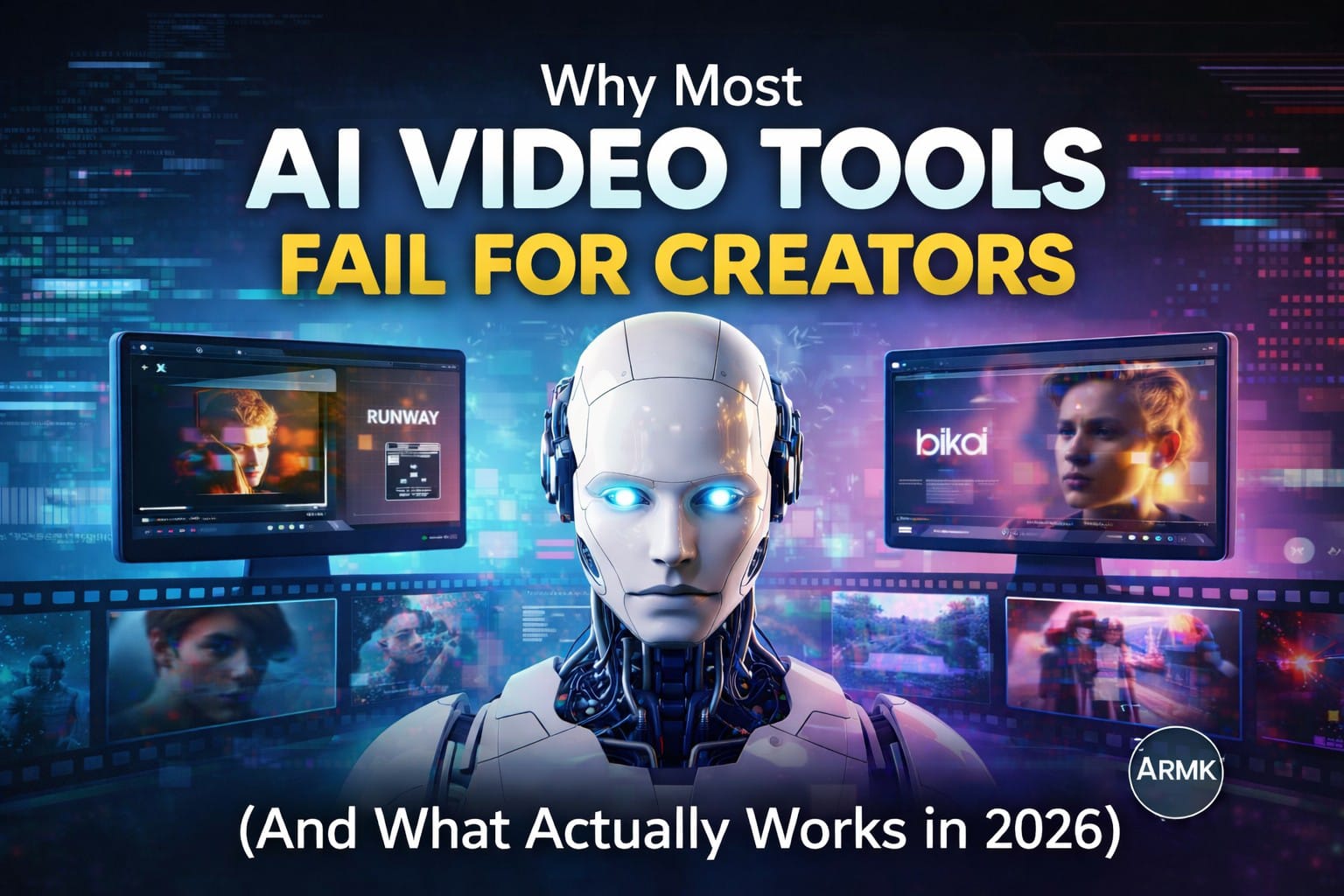
Most creators try AI video tools expecting cinematic, professional results — and end up disappointed.
Videos look fake.
Motion feels broken.
Faces appear robotic or inconsistent.
After testing multiple AI video tools, one thing becomes clear:
Most AI video tools don’t fail because they are bad — they fail because creators use them the wrong way.
This guide breaks down:
- Why popular AI video tools disappoint creators
- The biggest mistakes most people make
- And what actually works in 2026 if you want usable AI-generated videos
No hype. No paid promotion. Just real insights based on hands-on testing.
The Expectation vs Reality Gap
Creators usually expect AI video tools to:
- Replace real video editing
- Generate perfect motion instantly
- Produce realistic humans without effort
But in reality:
- AI video tools are assistive, not replacements
- They amplify prompts, not creativity
- They work best in short, controlled use cases
This mismatch between expectation and reality is the number one reason creators abandon AI video tools early.
The 5 Biggest Reasons AI Video Tools Fail
1. Choosing Tools for Features, Not Use-Cases
Most creators pick tools based on feature lists instead of asking:
“What exactly do I want to create?”
A cinematic scene, a Reel, a stylized clip, and a talking character all require different tools and workflows.
2. Copy-Pasting Prompts Without Adapting Them
Prompts that work for one creator often fail for another because:
- Scene context is different
- Motion length changes
- Lighting and camera logic varies
Blind prompt copying almost always leads to poor output.
3. Pushing Motion Too Far
AI video tools perform best at 3–6 seconds.
Creators often:
- Try 10–15 second clips
- Add too much motion
- Expect consistent facial realism throughout
This breaks output quality instantly.
4. Ignoring Cinematic Logic
AI still follows basic filmmaking rules:
- Stable camera
- Logical light direction
- Simple subject movement
Ignoring these results in jittery, unrealistic videos.
5. Judging Tools Based on Free Plan Limits
Most “bad results” happen because:
- Resolution is capped
- Motion length is restricted
- Model access is limited
Free plans are for testing workflows — not final production.
What Actually Works for Creators in 2026
Instead of chasing “best AI video tools,” successful creators do this:
- Use AI for short cinematic shots
- Combine AI output with real editing
- Choose tools based on content format, not popularity
This mindset shift alone fixes most frustrations.
AI Video Tools That Work (When Used Correctly)
Runway — Best for Cinematic Motion
Runway works best when used for:
- Short cinematic shots
- Controlled camera movement
- Realistic lighting scenarios
It struggles when pushed into long or complex scenes.
Our Runway Gen-4 Turbo post Guide you how to utilize the power of it.
Pika Labs — Best for Stylized Motion
Pika Labs shines when:
- Creating stylized or artistic motion
- Making visual storytelling clips
- Generating social-friendly visuals
It’s not built for photorealistic humans — and that’s okay.
See the real output in post best-ai-video-tools-for-creatorsPika Labs AI Review
Common Creator Mistakes to Avoid
- Treating AI output as final video
- Expecting realism without reference images
- Ignoring frame consistency
- Using AI without post-editing
Fix these mistakes and results improve dramatically.
The Real AI Video Workflow (Simple Version)
- Generate short AI clips (3–6 seconds)
- Select the best output (not the first one)
- Enhance using real editing tools
- Use AI as a creative assistant, not a replacement
This workflow is what separates frustrated users from successful creators.
Final Verdict: Stop Chasing Tools, Start Fixing Workflow
AI video tools are not failing creators.
Creators are failing to use them correctly.
Once expectations align with reality, AI becomes powerful — not disappointing.
🔗 Related Creator Questions
1. Why do AI videos look fake?
Because most creators push long motion, ignore lighting logic, and expect realism without reference images. AI works best in short, controlled scenes.
2. Which AI video tool suits short-form content?
Tools like Pika Labs and Runway work well for Reels, Shorts, and cinematic clips under 6 seconds.
3. Runway vs Pika — which is better for creators?
Runway is better for realistic cinematic shots, while Pika is stronger for stylized and artistic motion. The choice depends on your content style.
4. What are the most common AI video mistakes beginners make?
Overusing prompts, expecting long videos, and skipping post-editing are the biggest mistakes.
5. What is the best AI video workflow for creators in 2026?
Generate short AI clips, select the best output, enhance them using real editing tools, and treat AI as an assistant — not a replacement.