AI video creation has entered a new phase. In 2026, creators no longer need complex editing software or expensive hardware to produce cinematic videos, reels, and visual stories. Today’s AI video tools can generate motion, scenes, and effects using simple text or images.
In this guide, we’ll explore the top 5 AI video tools for creators, covering both free and paid options, so you can choose what fits your workflow best.
Why AI Video Tools Matter for Creators 🎥
Creators today need:
- Faster content production
- Short-form video support (Reels, Shorts, Ads)
- Visual quality without heavy editing
AI video tools solve this by automating motion, transitions, and effects — allowing creators to focus on ideas, not timelines.
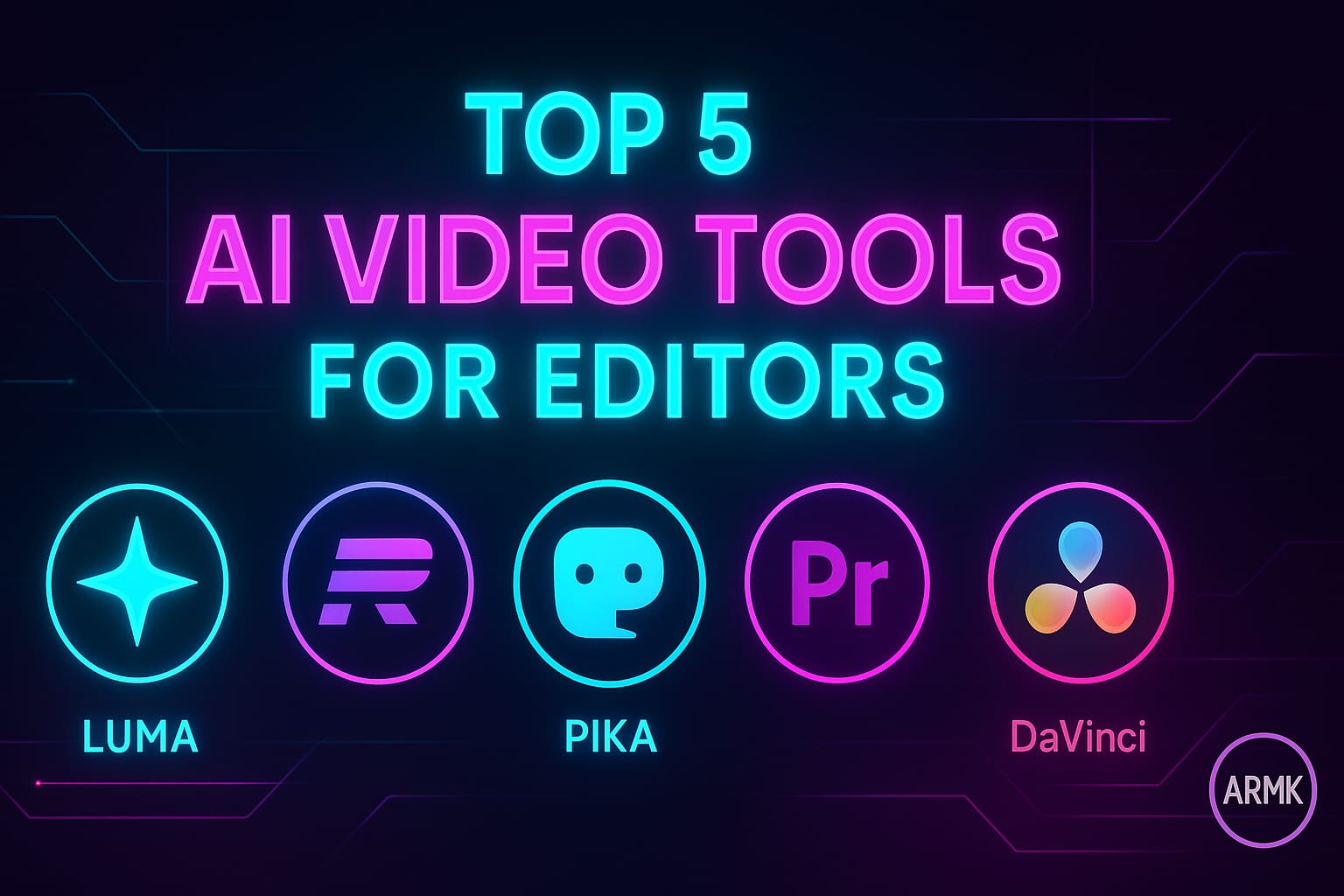
Top 5 AI Video Tools for Creators (2026 Picks)
1️⃣ Runway Gen-4 Turbo
Best for: Cinematic motion & professional video generation
Runway Gen-4 Turbo is one of the most advanced AI video tools available today. It excels at image-to-video generation, smooth motion interpolation, and cinematic camera movement.
Free plan: Limited credits
Why creators love it:
- Fast generation speed
- Realistic motion & depth
- Ideal for ads, trailers, and high-end visuals
To know more about Runway, visit Runway Gen-4 Turbo Review (2026 Guide): The Most Advanced AI Video Model Yet
2️⃣ Pika Labs
Best for: Short viral clips & social media content
Pika Labs is creator-friendly and focuses on short AI video clips. It’s perfect for Instagram Reels, YouTube Shorts, and experimental visuals.
Free plan: Yes (daily limits)
Why creators love it:
- Simple prompt system
- Smooth subject movement
- Beginner-friendly interface
If you want to use Pika Labs visit first Pika Labs AI Review — The Best AI Video Generator for Cinematic Clips (2026 Guide)
3️⃣ Kaiber AI
Best for: Music videos & animated visuals
Kaiber AI is widely used by musicians and visual storytellers. It turns images or text into stylized animated videos, making it ideal for creative projects.
Free plan: Trial
Why creators love it:
- Artistic animation styles
- Music-sync friendly
- Great for YouTube visuals
4️⃣ Luma AI (Dream Machine)
Best for: Realistic scene generation
Luma AI focuses on realism. Its video generation emphasizes natural lighting, depth, and camera motion, making it useful for storytelling and cinematic scenes.
Free plan: Limited access
Why creators love it:
- High realism
- Strong scene consistency
- Great for cinematic storytelling
5️⃣ Stable Video Diffusion
Best for: Open-source experimentation
Stable Video Diffusion is ideal for creators who like control and customization. While not as beginner-friendly, it offers flexibility and strong community support.
Free plan: Yes (open-source)
Why creators love it:
- No platform lock-in
- Community-driven improvements
- Ideal for experimental creators
Free vs Paid AI Video Tools — What Should You Choose?
- Beginners: Pika Labs (Free, simple, fast)
- Content creators: Runway Gen-4 Turbo (Hybrid)
- Artists & musicians: Kaiber AI
- Advanced users: Stable Video Diffusion
Most creators start free and upgrade only when consistency or quality demands it.
Real AI Video Example (Creator Test)
Below is a short cinematic clip generated during our creator test to demonstrate how modern AI video tools handle motion, lighting, and atmosphere in real use cases.
This short clip shows smooth motion, cinematic lighting, and realistic depth — exactly what creators expect from modern AI video tools. This video sample is generated in Pika Labs
Pros & Limitations of AI Video Tools
Pros
- Faster video creation
- No editing expertise required
- Affordable compared to traditional tools
Limitations
- Free plans have limits
- Not ideal for long-form movies
- Results depend on prompts
Final Verdict — Which AI Video Tool Is Best?
If you’re a creator in 2026:
- Use Pika Labs to start fast
- Upgrade to Runway Gen-4 Turbo for quality
- Explore Kaiber or Luma AI for creative depth
AI video tools are no longer optional — they’re becoming a core part of the creator workflow.
FAQs
1. Is there any free AI video tool for creators?
Yes, tools like Pika Labs and Stable Video Diffusion offer free plans.
2. Which AI video tool is best for reels?
Pika Labs is best for short-form content.
3. Is Runway AI worth paying for?
Yes, for creators who want professional-grade output.